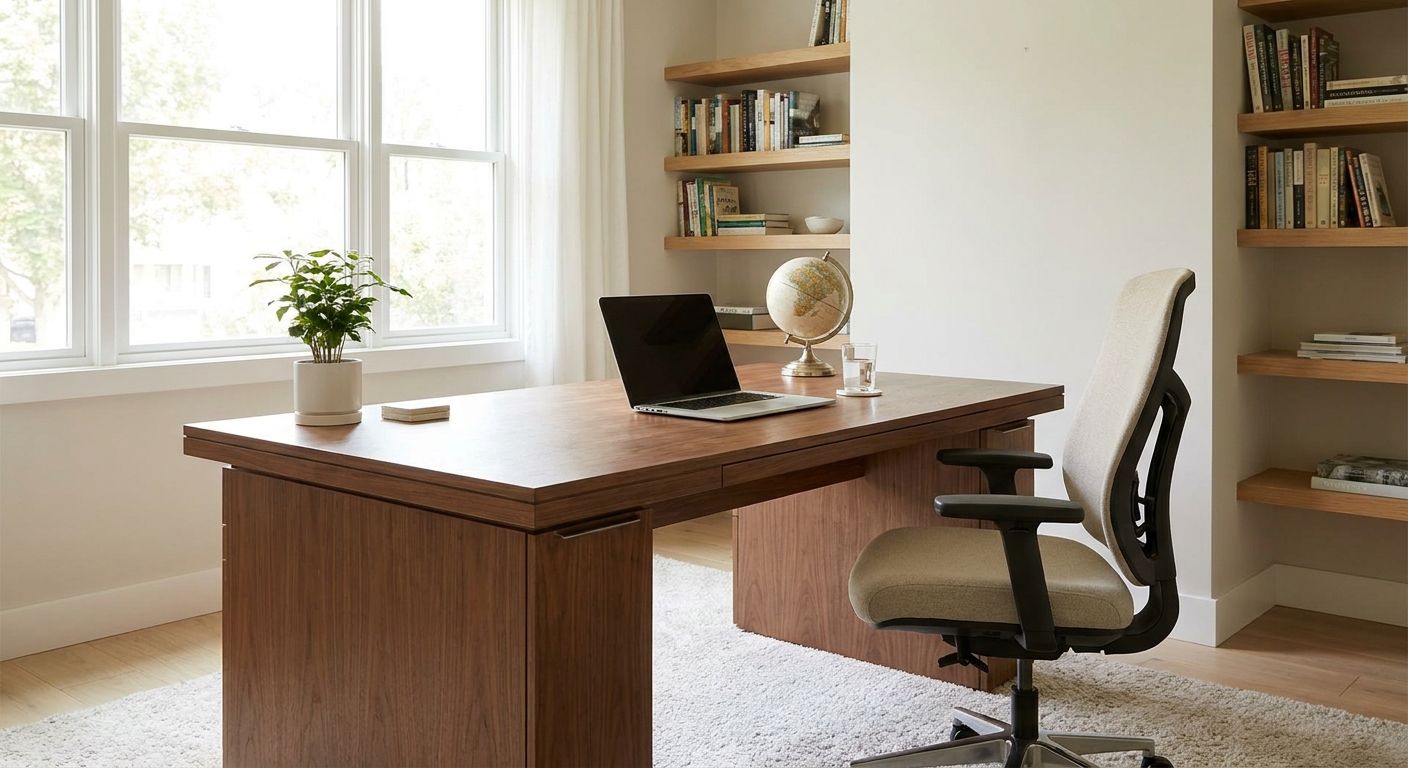
A home office has to work as a workplace before it works as a Vastu arrangement. Set up the chair, screen, light, power, and ventilation first. Then apply any traditional direction preference that fits safely. For broader office-direction guidance, read Wishastro's Vastu for office guide.
This article is for guidance and reflection, not a substitute for professional advice. Ask a qualified specialist about persistent pain, accessibility, electrical work, or fire safety.
TL;DR
- Use the main Vastu for office page for the traditional direction framework; this guide focuses on a home workspace and ergonomics.
- North is associated with Kubera in the directional-guardian tradition, while east is associated with Indra. They are not the same attribution.
- Screen position, seating support, glare, ventilation, and safe cables take priority over a preferred compass direction.
- No desk direction can guarantee focus, promotion, income, or relief from pain.
Build a usable workstation first
Choose a stable work surface with enough room for the screen, input devices, and the materials you actually use. Adjust the chair so your feet have support, your shoulders can relax, and you do not need to reach forward for the keyboard. Position the screen so you can read it without repeatedly bending or twisting your neck.
A laptop used for long work sessions often forces the screen and keyboard into one compromise. A separate keyboard or mouse, paired with a secure stand, can give you more room to adjust. If pain continues, seek advice from a qualified health or workplace specialist rather than treating a desk move as care.
Control light, glare, and noise
Morning light can be pleasant, but a bright window directly behind or in front of the screen may create glare. Turning the desk so the window sits to the side, adding a blind, or changing screen brightness may matter more than facing a preferred direction. Keep enough task lighting for evening work without placing a bare light in your direct line of sight.
Home offices also share walls with kitchens, televisions, and family activity. Headphones, a door, or a clear household schedule can solve interruptions that Vastu objects cannot.
Apply the direction layer accurately
Many modern Vastu guides prefer a person to face east or north while working, when the room allows it. In the directional-guardian tradition, Kubera is associated with north and Indra with east. The rising Sun is also linked with east, but that does not make Kubera the guardian of both directions.
Treat this as a traditional preference, not an outcome claim. A south-facing desk does not prove that work will stall, and a north-facing desk does not promise income. If facing east puts strong glare on the screen or blocks a safe walkway, choose the usable position.
Fit Vastu around a small home
A spare bedroom may need to remain a bedroom, and a dining table may become a desk during the day. Mark the true compass directions before moving furniture; estate-agent plans and the wall that receives sunlight are not always reliable direction labels.
If you want a Vastu layer, keep the centre path clear and place heavy storage where it does not obstruct light, doors, or ventilation. Some Vastu practices prefer heavier storage toward the south or west. Do not overload a wall-mounted shelf or block an electrical panel to follow that preference.
Under-stair and alcove desks
An under-stair nook is not automatically unusable. Check head clearance, ventilation, lighting, noise, and whether you can sit without hunching. A sloped ceiling or beam may feel enclosing, but it does not establish a health or career outcome. Use another spot if the nook forces poor posture or creates a safety problem.
The same rule applies to a balcony conversion. Confirm weatherproofing, electrical safety, heat, and the effect on the home's ventilation before enclosing the space. Building rules and landlord approval come first.
Mirrors, plants, and background choices
A mirror does not reliably "double stress" or correct a desk direction. Place it where it will not reflect the screen, expose private information during calls, or throw glare into your eyes. Plants can make a room pleasant if the light and care suit them; they are not a remedy for unsafe wiring or poor air.
For video calls, check what the camera sees. A simple background and a door that can close may be more useful than decorative cures.
A practical order for setting up the room
- Check power, ventilation, headroom, and safe movement through the room.
- Fit the chair, work surface, screen, and input devices to the person using them.
- Reduce glare and recurring noise.
- Mark the real compass directions.
- If it remains practical, choose an east- or north-facing seat under your preferred Vastu method.
The Vastu hub covers other rooms. Keep this home-office decision tied to the room you actually have, not an ideal floor plan.